Effortless diabetes management for your child.
A simple tool for parents and guardians to log glucose levels, insulin doses, meals and activities in a couple of taps, and to see which foods, doses and games actually move the numbers. Share your child's profile with the other adults who help, so whoever is there can log it and everyone sees it.
Sign in with Google or GitHub — no password needed.
- 2 taps
- to log a reading
- 0 typing
- for your usual meals
- 1 report
- to bring to the clinic
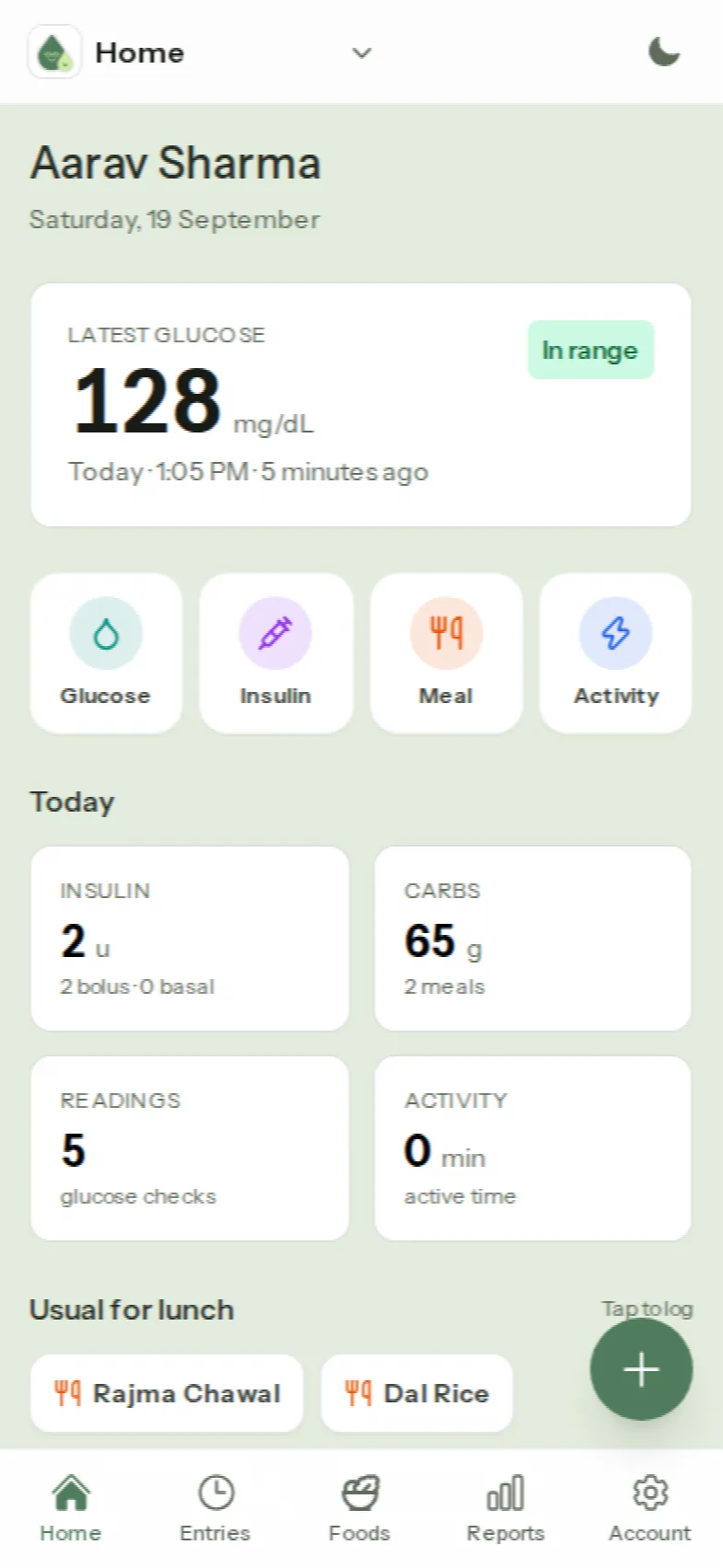
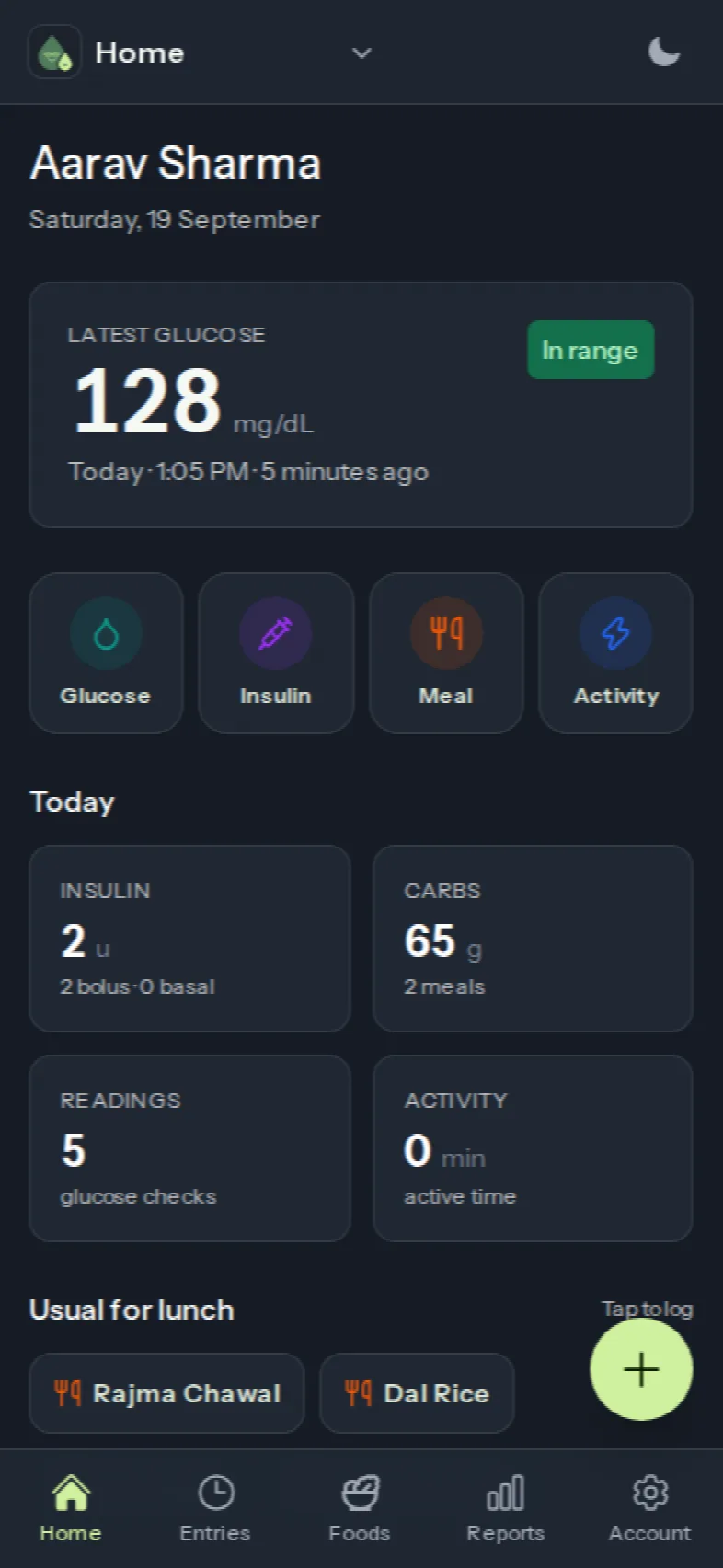
Less typing. More living.
Everything a parent needs between clinic visits, designed for one thumb at 3 a.m.
Quickly log glucose, insulin, meals and activities with a few taps. Presets, chips and “15 minutes ago” buttons make data entry a breeze, not a chore.
Diatrack learns your child’s patterns and offers the usual breakfast, lunch or dinner at the right time of day — and can fill in nutrition for a new food with AI.
See time in range, which foods spike glucose, how corrections and play affect it, and share a clear picture with your doctor.
One record for your child, whoever is holding the phone.
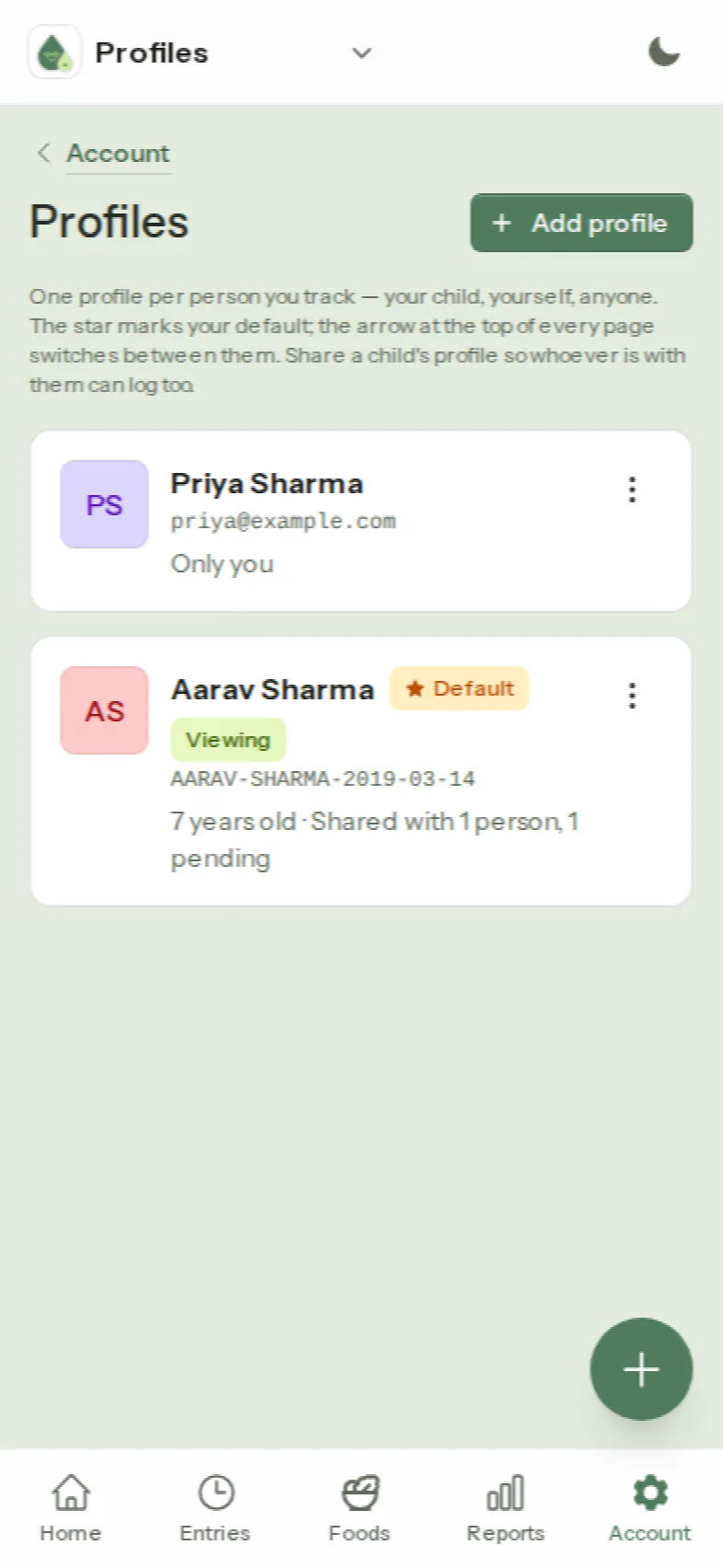
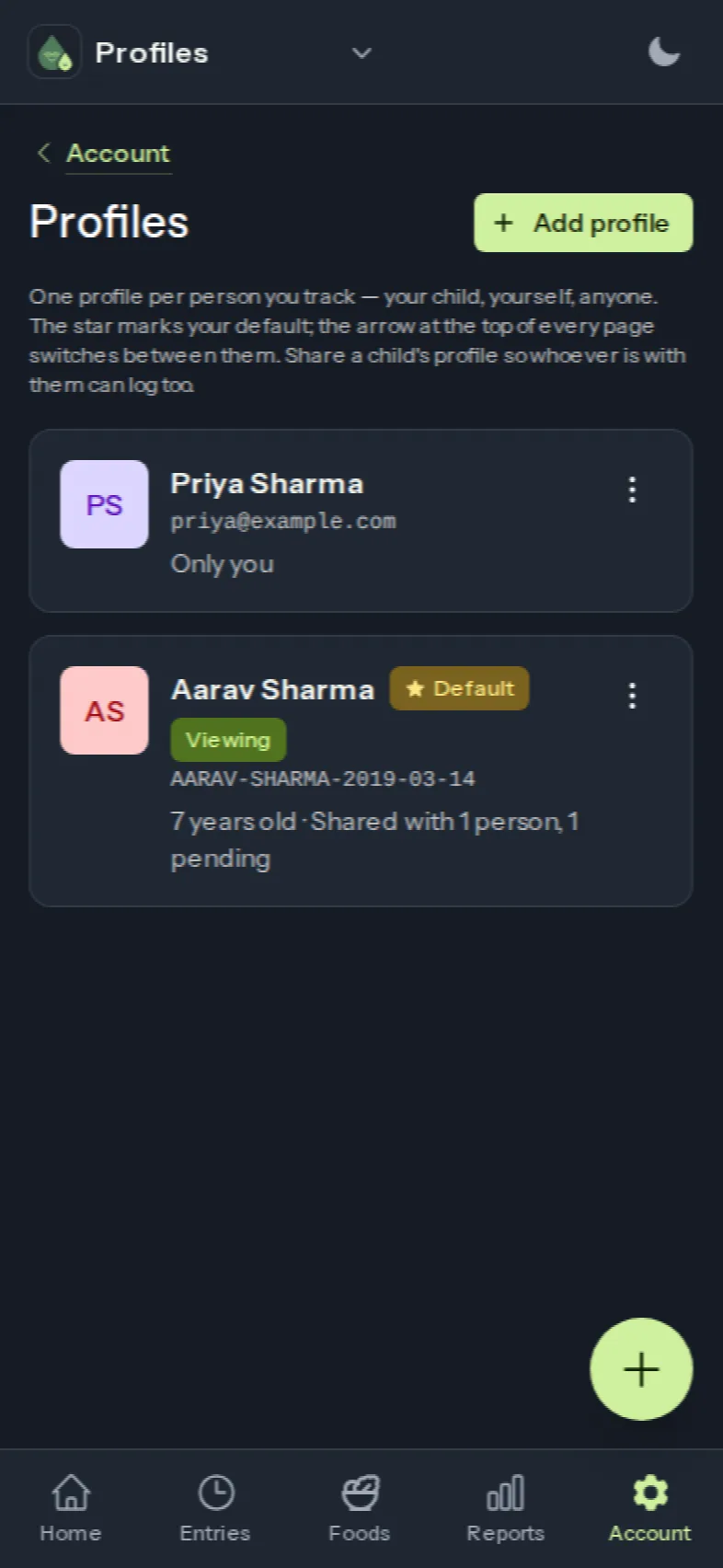
Add a profile for each person you track — your child, and yourself if you like. Share your child's profile with the other parent, a grandparent or a carer: they log from their own phone, and everyone sees the same entries straight away.
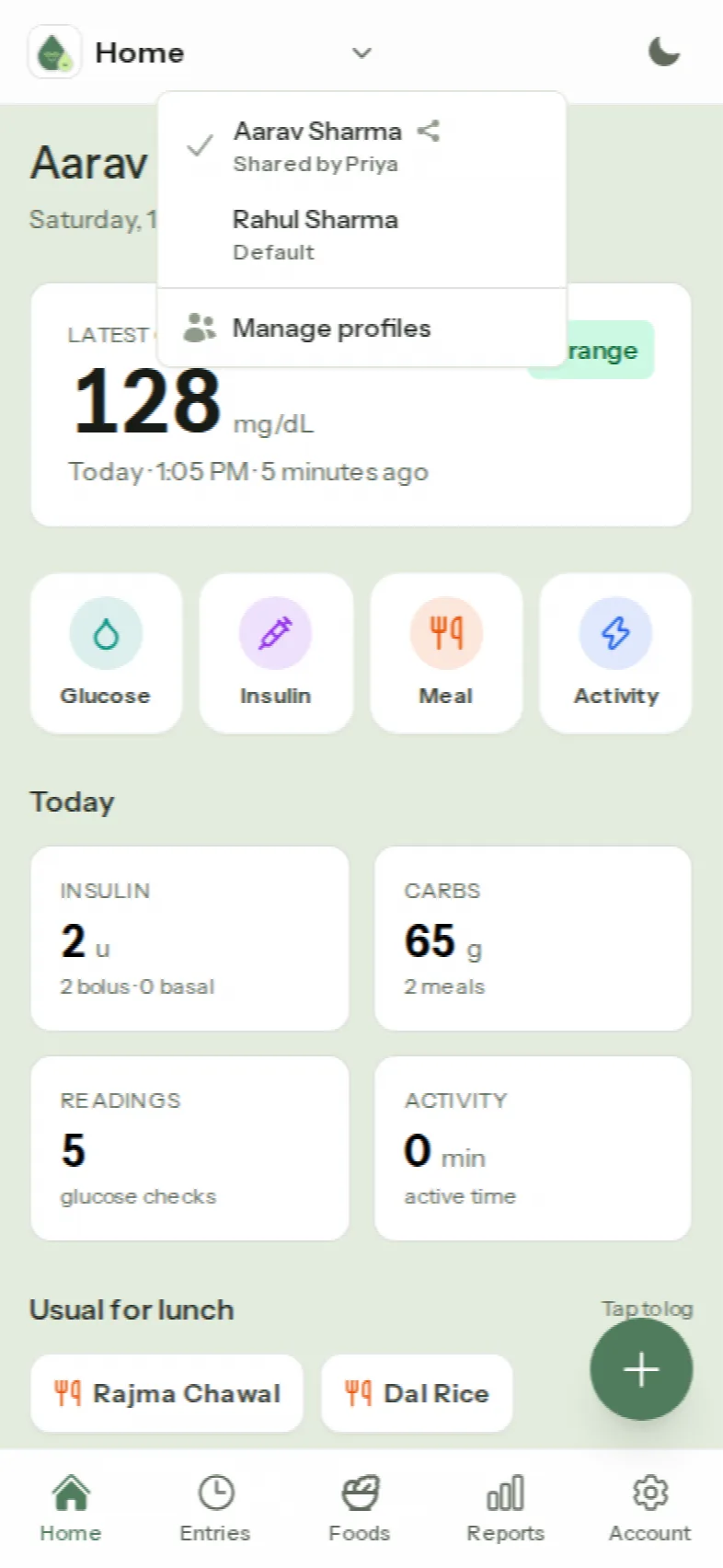
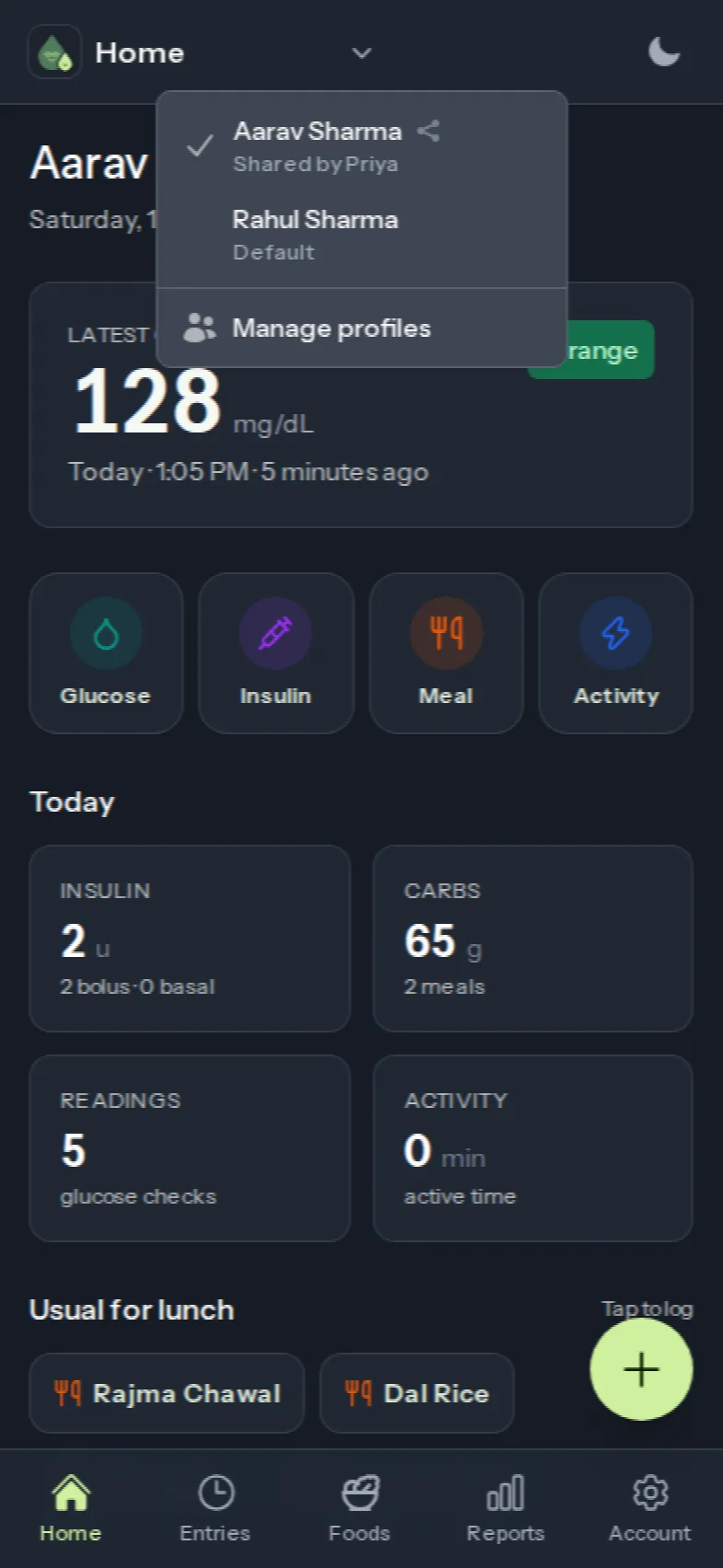
- Whoever is there, logs it
- Grandma gives the correction at 4 pm and logs it; you see it on your phone a moment later. Entries in a shared profile show who logged them.
- Switch in one tap
- The small arrow at the top of every screen lists the profiles you can use. Pick one and it stays selected on that phone until you change it.
- Share by email
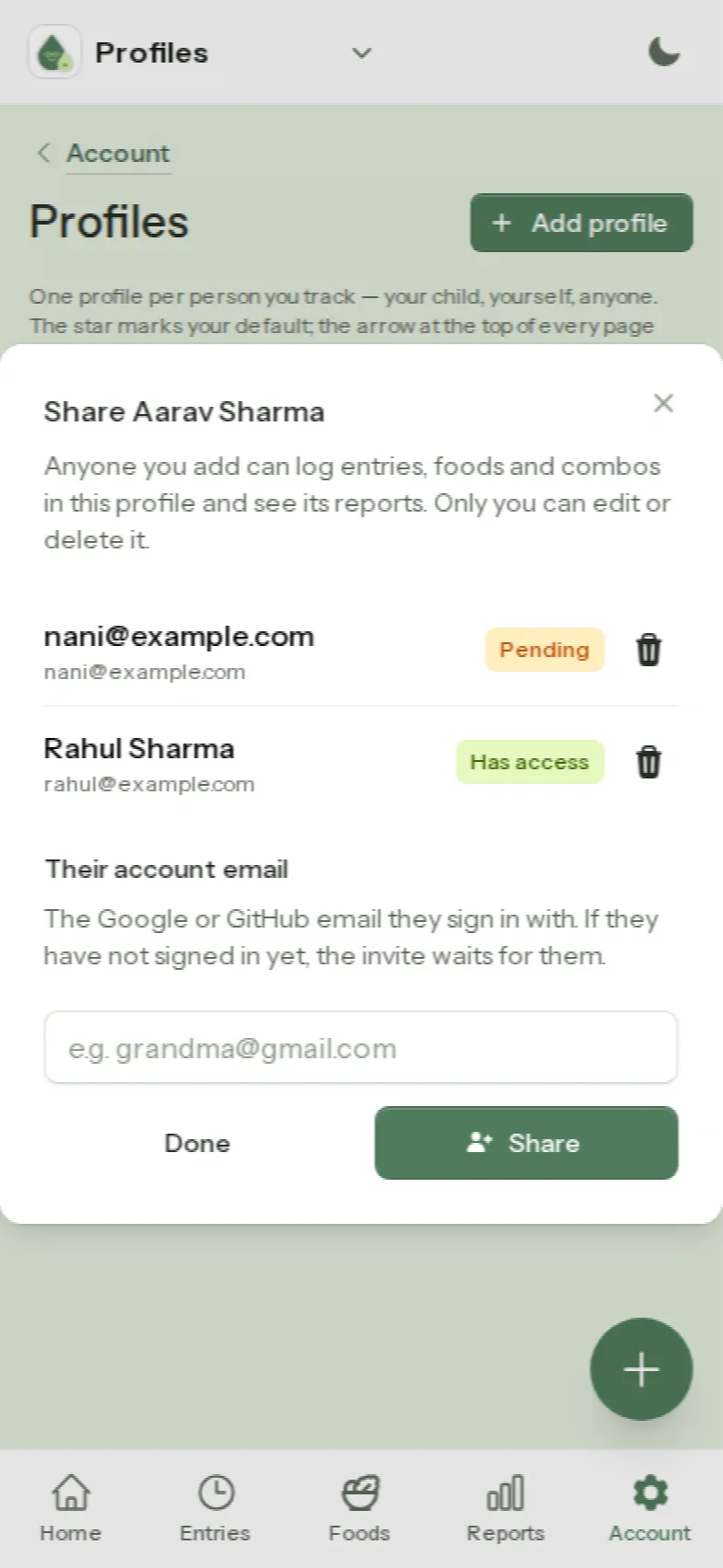
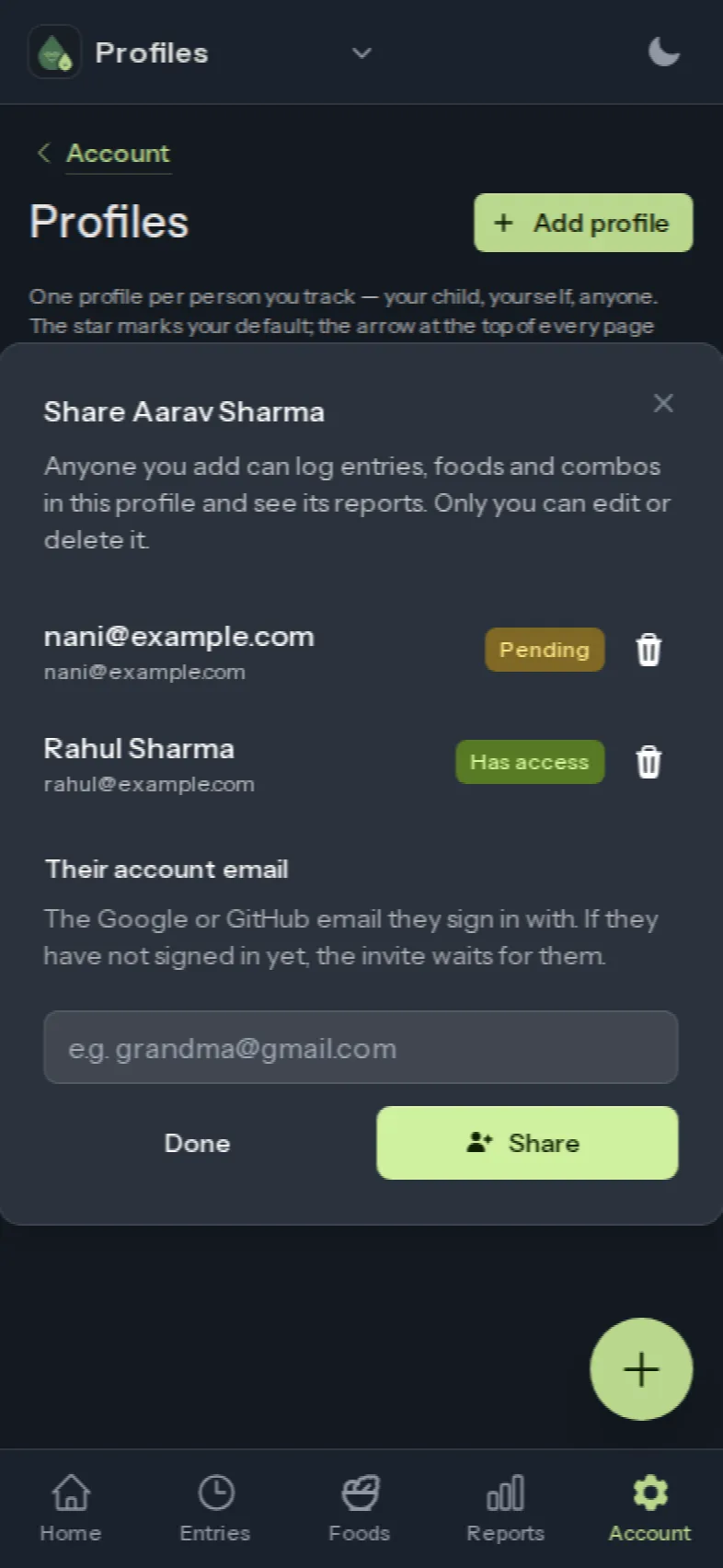
- Type the Google or GitHub email the other person signs in with. If they already have an account they get access right away; if not, the profile is waiting when they first sign in.
- You stay in charge
- Only you can edit, share or delete a profile you own. People you share with can log, view and run reports, and can leave whenever they want. Your own profile stays yours.
Say it to the assistant you already use.
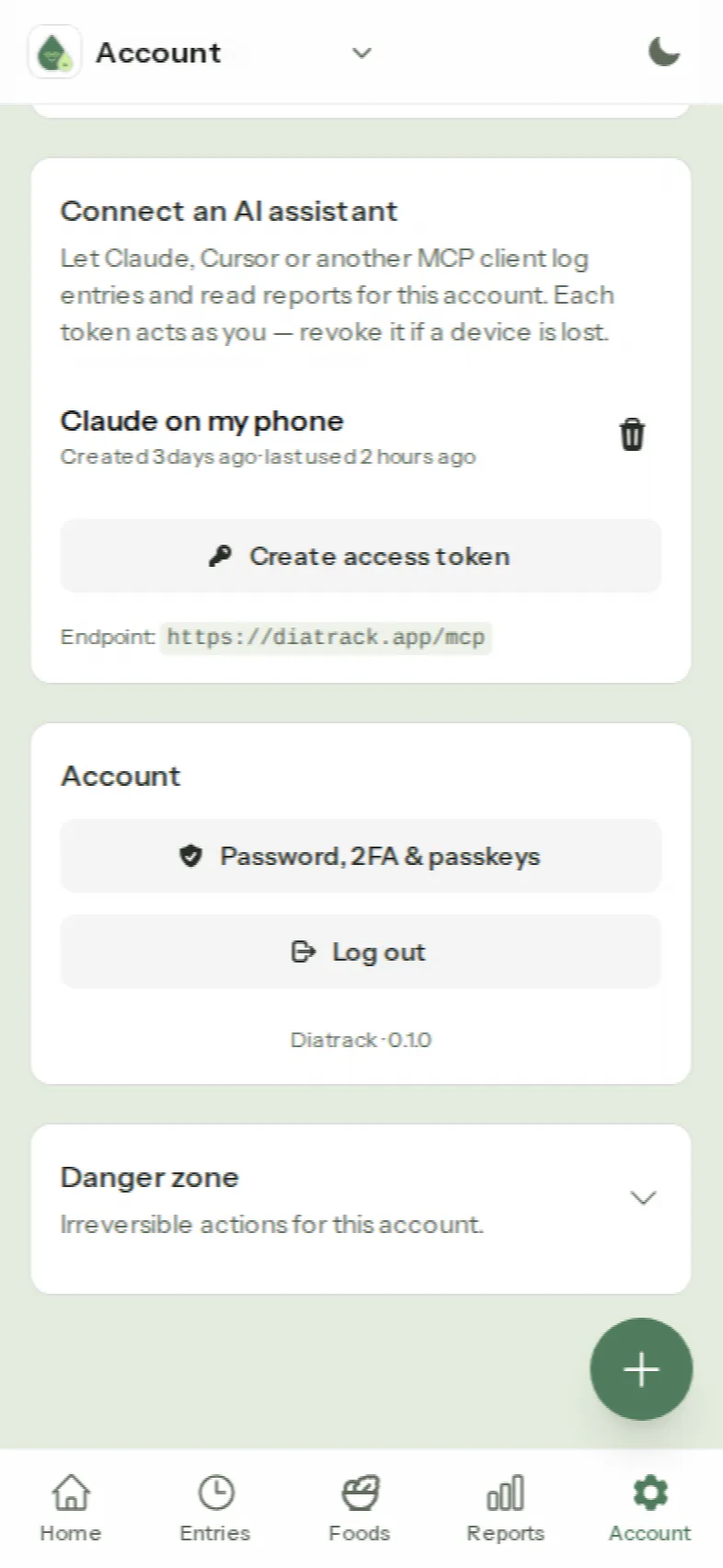
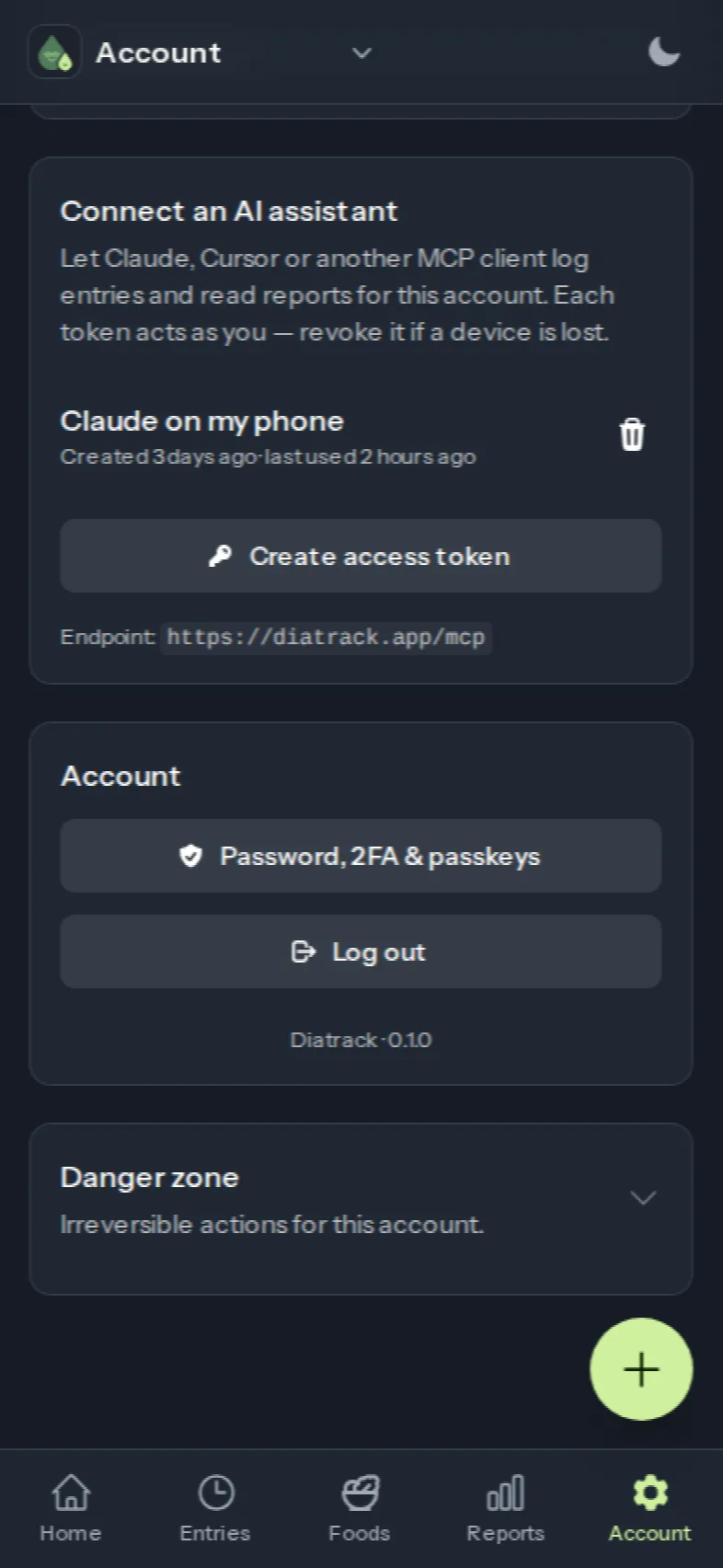
Diatrack speaks MCP, the standard that lets AI assistants work with apps. Connect Claude, Cursor or any other MCP client with an access token from your Account page, then log or ask in plain words.
Log 4 units of correction insulin for Aarav, 15 minutes ago.
Logged 4 u correction for Aarav Sharma at 12:55 PM.
How did this week go?
71% time in range, up from 64% last week. Rajma Chawal was followed by a high reading on 3 of 4 days; football afternoons ended in range every time.
An example — the exact wording depends on your assistant.
- Same rules as the buttons
- The assistant goes through the same actions the app uses, so nothing is logged that the app would not accept, and it appears on the timeline right away.
- Any profile you can see
- Name the profile — “for Aarav” — or leave it out and your default profile is used. Shared profiles work the same way.
- Your token, your call
- Create an access token on the Account page and paste it into your assistant. Revoke it there at any time.
- Glance at what was logged
- Assistants can mishear a number. The entry is on your timeline immediately, so a quick look is enough to catch it.
One for your child, and one for yourself if you want to track your own health too. A name and a date of birth are enough.
Most families rotate fewer than 50 dishes. Add them once — or let AI fill in the nutrition — and never type “aloo parantha” again.
Tap the + button, tap the value. Glucose, insulin, meals and activity land on one timeline with the right time.
Reports pair every meal, correction and game with the readings around it, so you know what to adjust before the next visit.
Ready for calmer days?
Free for families. Works in the browser and as an app on your phone, and the same for everyone you share with.
Get started for free